VS Code Extension
Share code snippets directly from Visual Studio Code to SnipCity without leaving your editor.
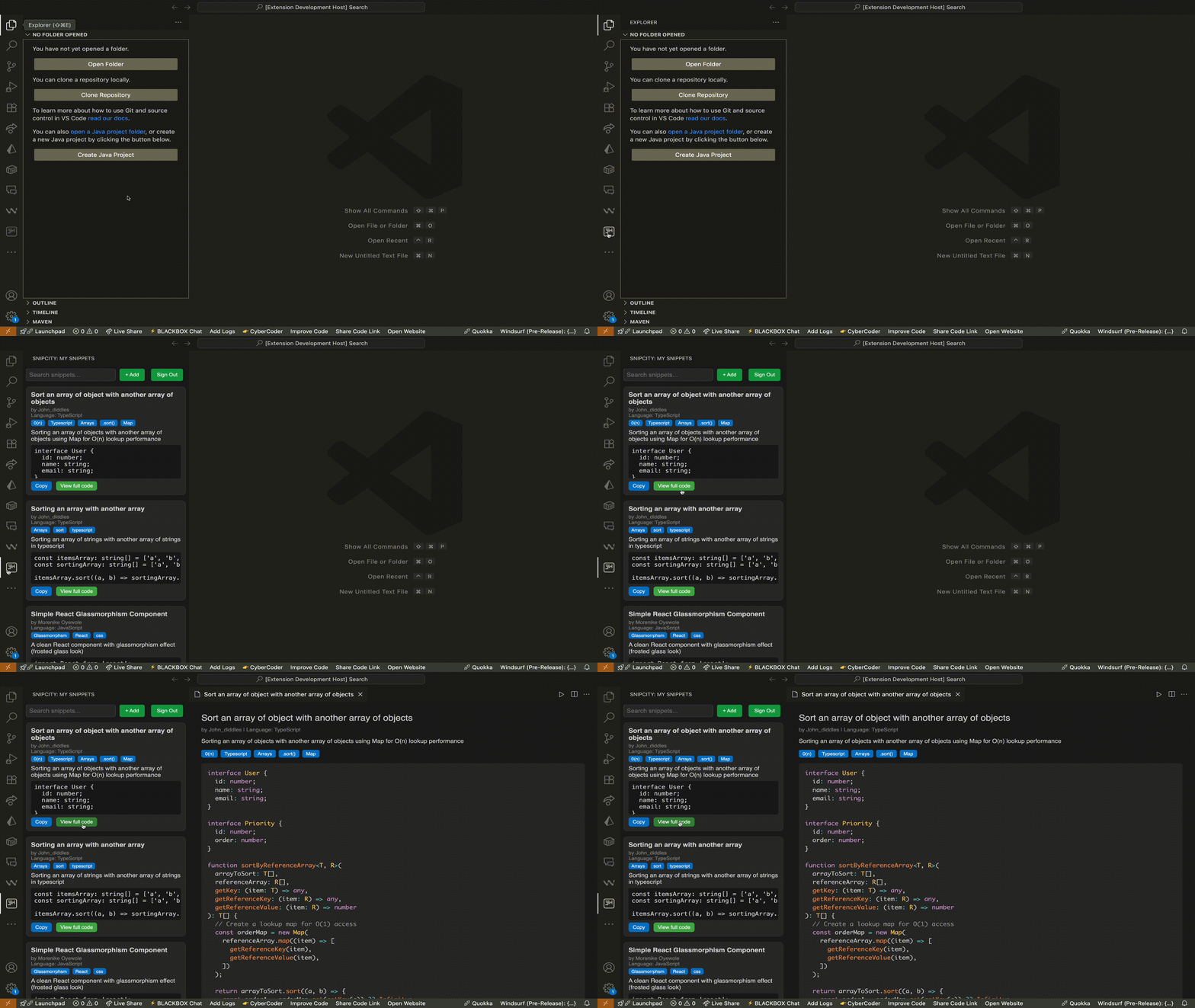
Extension Features
Seamless Integration
Save code snippets directly from your editor without breaking your workflow.
Syntax Highlighting
Automatic language detection and syntax highlighting for all your snippets.
How It Works
1
Install Extension
Download from VS Code Marketplace or install via command palette
2
Authenticate
Connect your SnipCity account for seamless sharing
3
Start Saving and Sharing
Open the extension and start saving snippets to share instantly
System Requirements
Minimum Requirements
- • VS Code
- • Internet connection for sharing
- • SnipCity account (free)
Supported Languages
Plain Text
JavaScript
TypeScript
Python
Java
C++
C#
PHP
Ruby
Go
Rust
Swift
Kotlin
HTML
CSS
SQL
React
Vue
Angular
Node.js
Bash
PowerShell
Quick Installation
Via VS Code Marketplace
Search for "SnipCity" in the Extensions view
Ctrl+Shift+X → Search "SnipCity"Boost Your Productivity Today
Join other developers who are already using the SnipCity extension.